

PNG vs JPG vs WEBP: Which Image Format to Use and When
The differences between PNG, JPG, WEBP, SVG and GIF, and which format to choose for photos, logos, screenshots and the web.
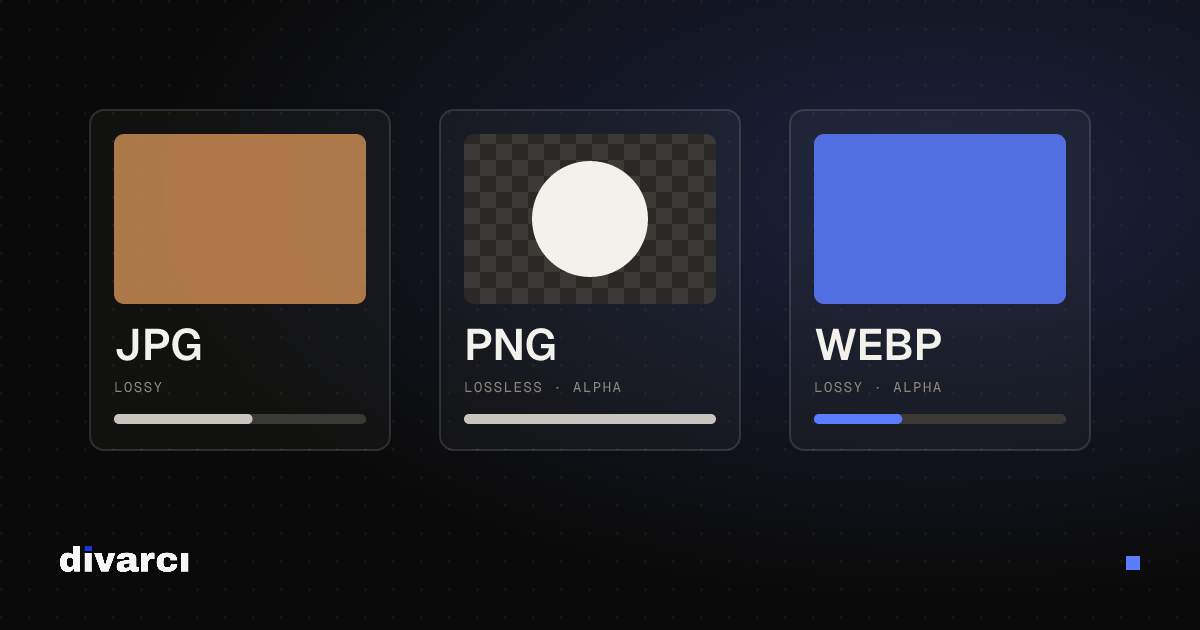
The format you save an image in decides its file size, its quality and whether a transparent background survives. The wrong choice leads to blurry logos, needlessly large files or images stuck inside a white box.
Quick comparison
| Format | Compression | Transparency | Best for |
|---|---|---|---|
| JPG | Lossy | No | Photos |
| PNG | Lossless | Yes | Logos, icons, screenshots, images with text |
| WEBP | Lossy or lossless | Yes | Websites (instead of JPG and PNG) |
| SVG | Vector | Yes | Logos, icons and illustrations (web) |
| GIF | Lossless, 256 colors | Basic | Short, simple animations |
JPG: for photos
JPG was designed to store the smooth color transitions of photos at a small file size. It uses lossy compression, so some detail is lost each time you save. A quality setting between 75 and 90 makes most photos much smaller without a visible difference.
- It doesn't support transparency; transparent areas are filled with white or another solid color.
- Sharp text and lines can show blur and smudges (artifacts) along their edges.
- Editing and re-saving the same JPG again and again lowers its quality a little every time.
PNG: for sharp edges and transparency
PNG is lossless: every pixel you save is kept exactly. That makes it the cleanest choice for logos, icons, screenshots, infographics and images with text on them. It supports transparent backgrounds.
The downside is file size. Saving a photo as PNG can produce a file several times larger than the JPG of the same image.
WEBP: the modern choice for the web
WEBP was developed by Google for the web. It supports lossy and lossless compression as well as transparency, and at the same visual quality it usually produces smaller files than JPG and PNG, so pages load faster. All current browsers can display WEBP. Some older desktop programs and print workflows can't open it, though; use JPG or PNG in those cases.
SVG and GIF
SVG isn't a pixel format but a vector format: shapes are defined mathematically, so they stay sharp at any size. It's ideal for logos and icons on websites, but not for photos. GIF can store only 256 colors, so photos look poor in it; today it's mostly used for short animations.
Which one when?
- Sharing a photo: JPG; on a website, WEBP.
- Your logo on a website: SVG; if SVG isn't an option, a transparent PNG.
- A screenshot or a design with text: PNG.
- A product image with a transparent background: PNG or WEBP.
- A file for a print shop: usually PDF; if they want a single image, the format they specify.
Changing the format and shrinking files
Convert images between PNG, JPG and WEBP in bulk with the Image Converter, and reduce file sizes with the Image Compressor. Both run in your browser; your files are never uploaded to a server.
More posts
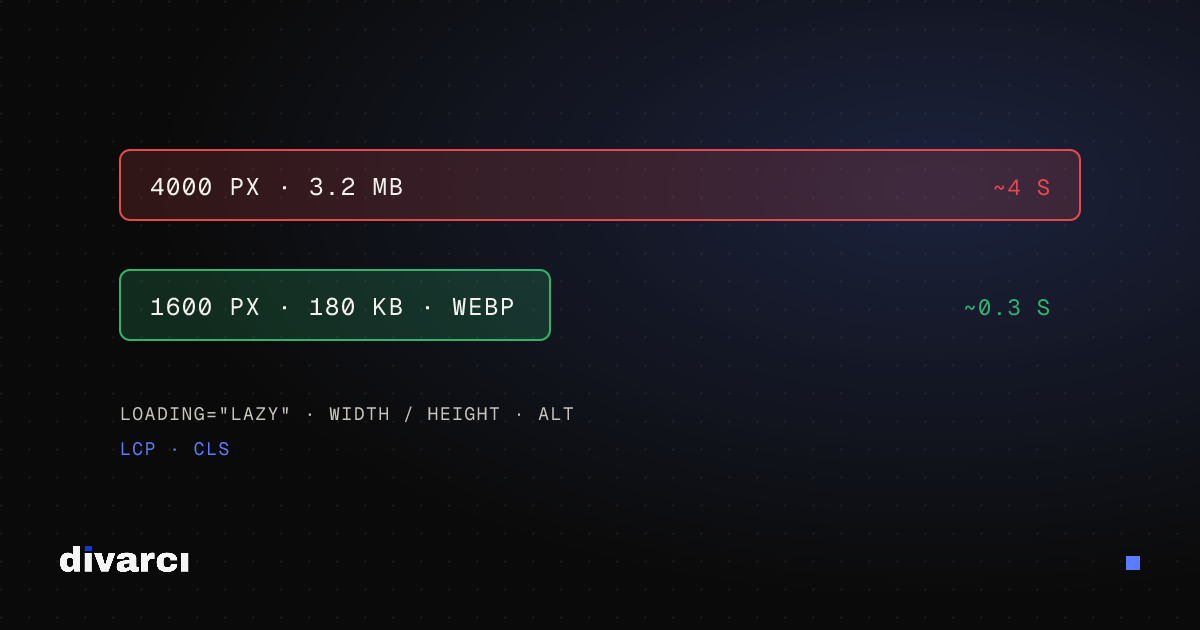
Optimizing Images for Websites: A Guide to Faster Pages
Prepare your website images with the right size, format and compression so pages load faster and perform better in search.
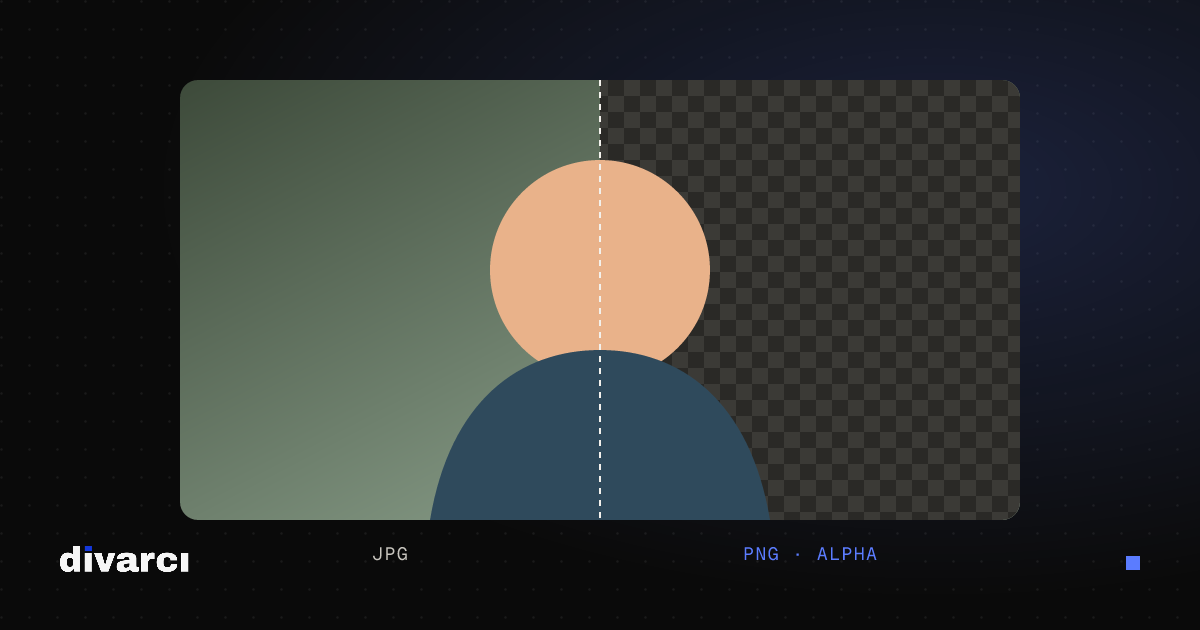
How to Remove a Photo Background: A Practical Guide to Transparent PNGs
Shooting tips for clean background removal, edge settings, manual touch-ups and saving a transparent image in the right format.
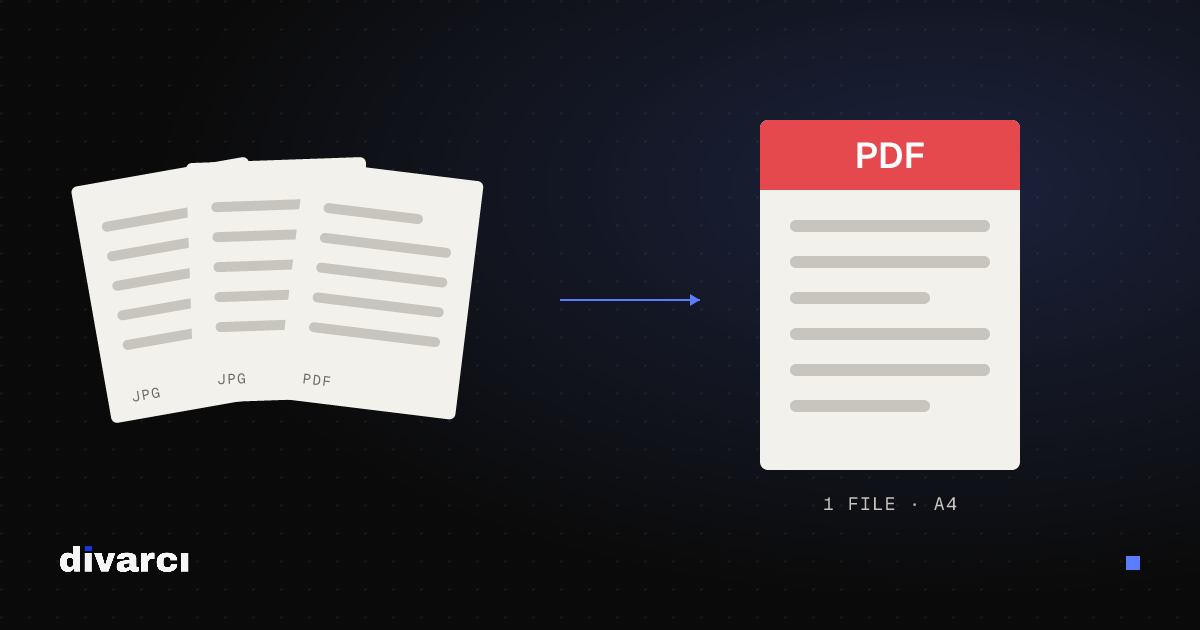
Putting Documents into One PDF: Photos to PDF, Merging and Splitting
Turning documents photographed with a phone into a PDF, merging several PDFs and removing pages you don't need, for applications, email or archiving.