

Add Automatic Captions to a Video: Free and in Your Browser
Automatic captions that transcribe speech, a karaoke style and SRT files, without your audio leaving your computer.
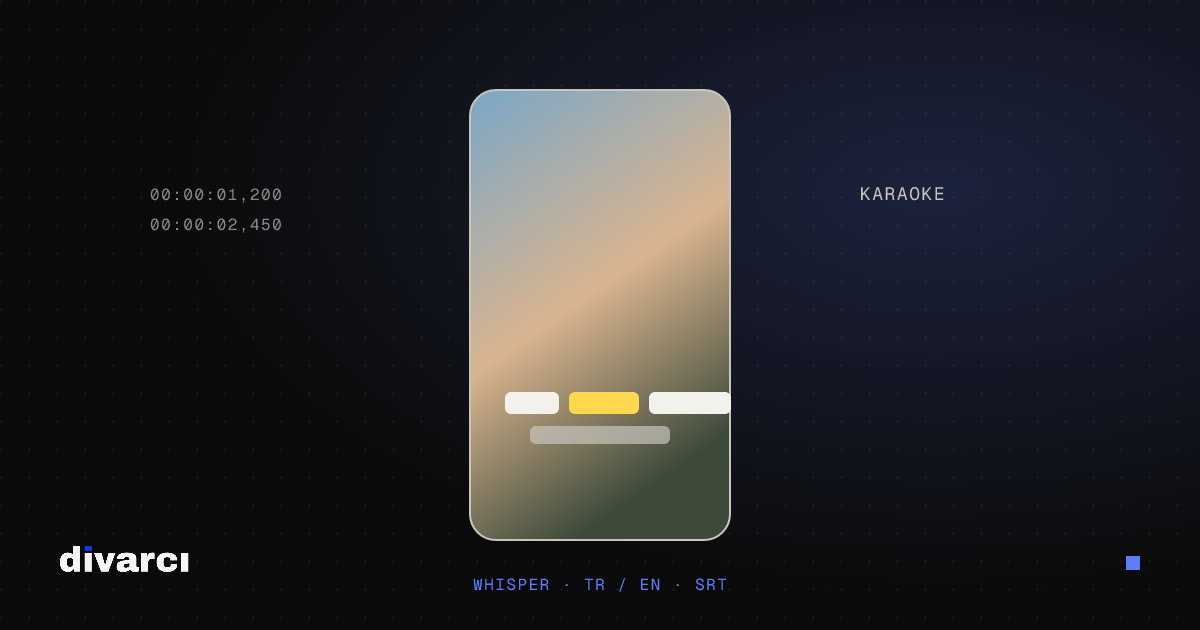
Most social media videos are watched with the sound off. Captions let those viewers follow the video and keep them watching longer. The free video editor creates captions automatically; speech recognition runs on your computer, so the audio is never sent to a server.
Step by step
- Drag your video into the editor.
- Open the Captions panel from the left menu.
- Choose the spoken language: Turkish, English or automatic detection.
- Choose a model: Fast for short, clear recordings, Accurate for better recognition.
- Pick a style and press Generate captions.
The model is downloaded once on first use; afterwards it opens from the browser cache.
Styles
- Karaoke: the spoken word lights up. Short, large captions popular on TikTok and Reels.
- Boxed: white text on a black box, readable on any background.
- Clean: white text with a shadow.
- Outlined: bold yellow text with an outline.
Corrections and SRT
Captions are added as normal text: fix a wrong word in the text field and drag blocks on the timeline to change timing. Export SRT gives you a subtitle file for platforms such as YouTube, and Import SRT burns an existing subtitle file into the video.
For good results
- If background music drowns out the voice, add the music after creating captions.
- For noisy recordings, try Audio → Reduce noise first.
- Keep captions out of the bottom third of vertical videos, where the platform interface sits.
See the video editor guide for every feature.
More posts
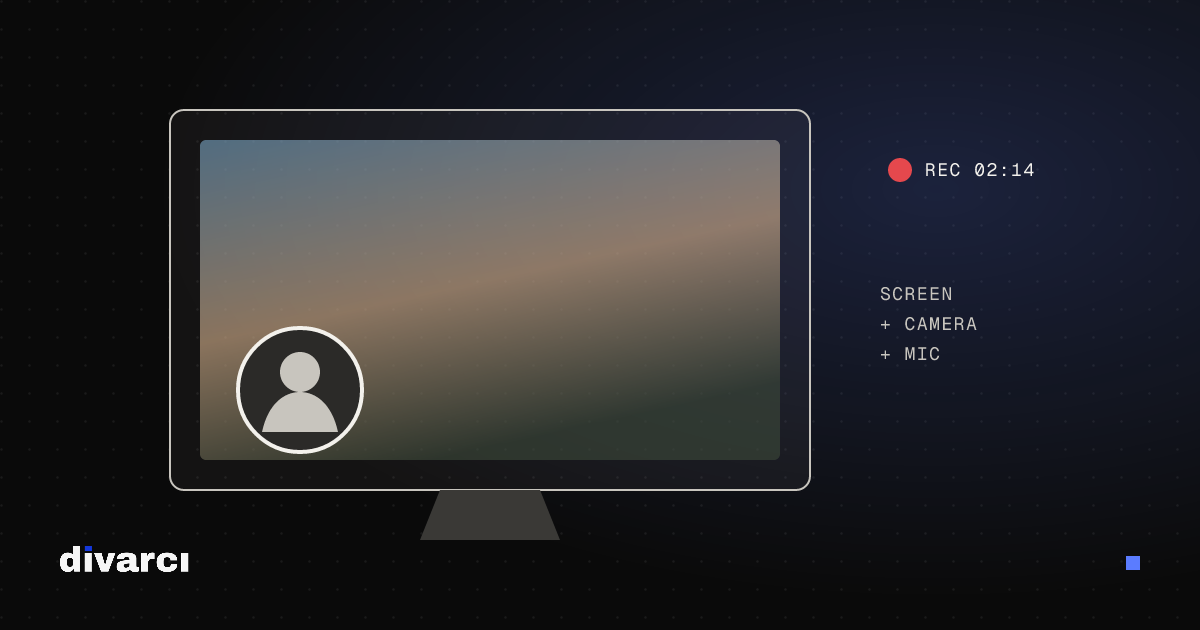
Record Your Screen and Edit It: With Camera and Voice-Over
Record your screen and camera without installing anything, then trim and add text and a voice-over in the same editor.
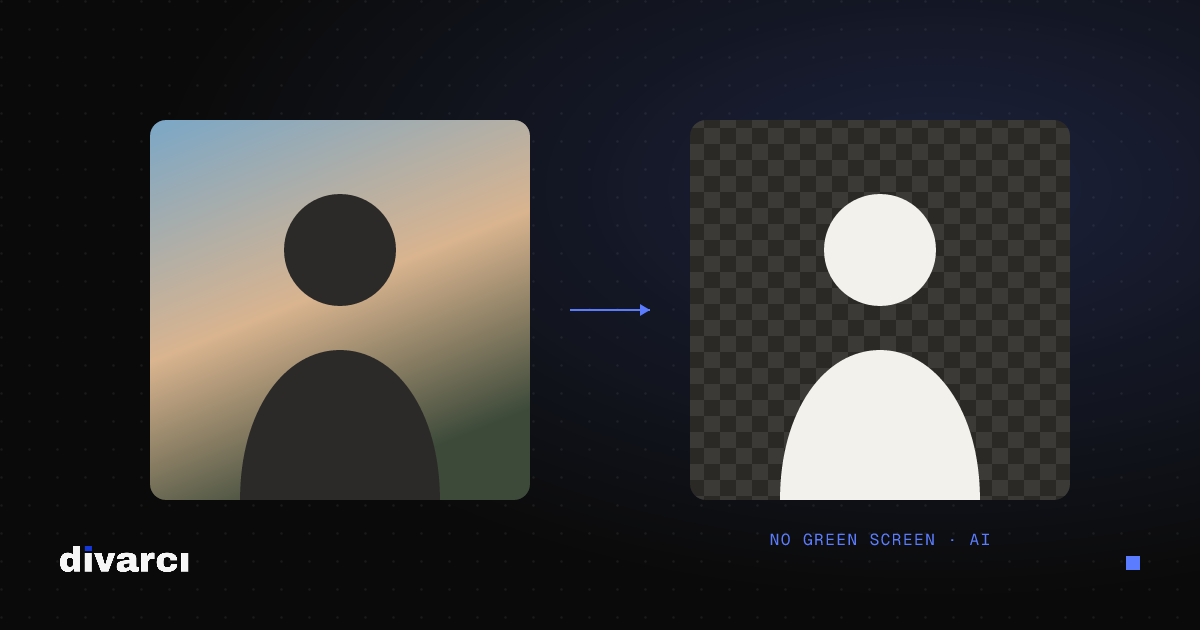
Remove a Video Background Without a Green Screen
Separate the person or object in a video from its background with AI and replace it with a blurred, solid or gradient background.
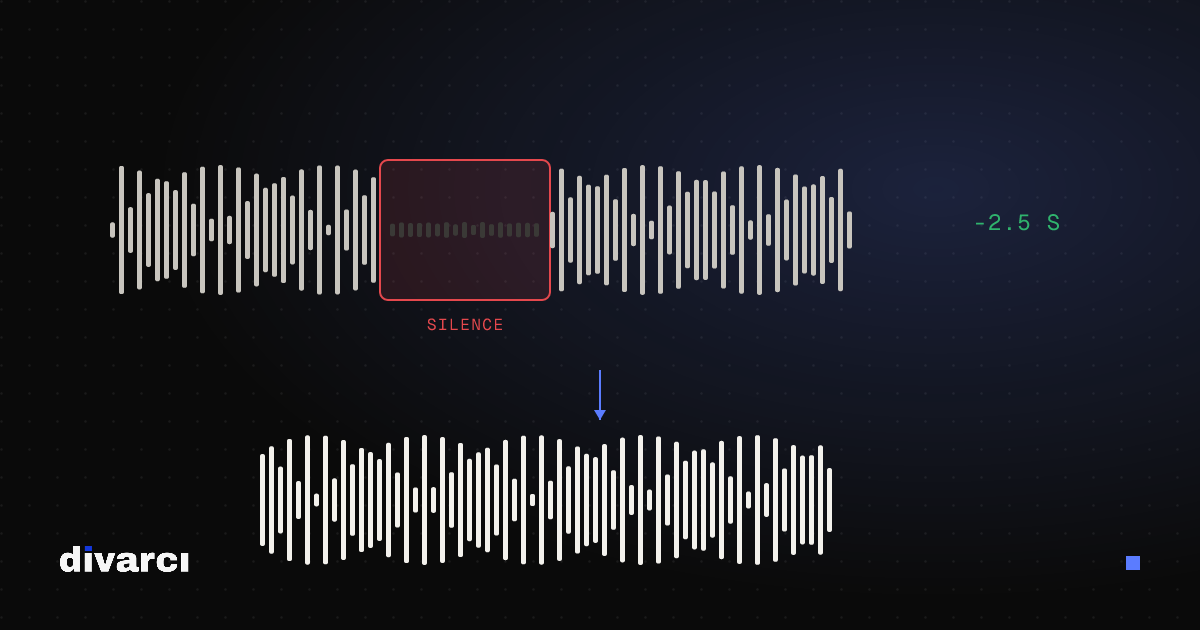
Automatically Cut Silent Parts From a Video (Jump Cuts)
Remove the pauses in talking videos with one click; threshold and length settings keep the pace natural.